The same file looks like this :
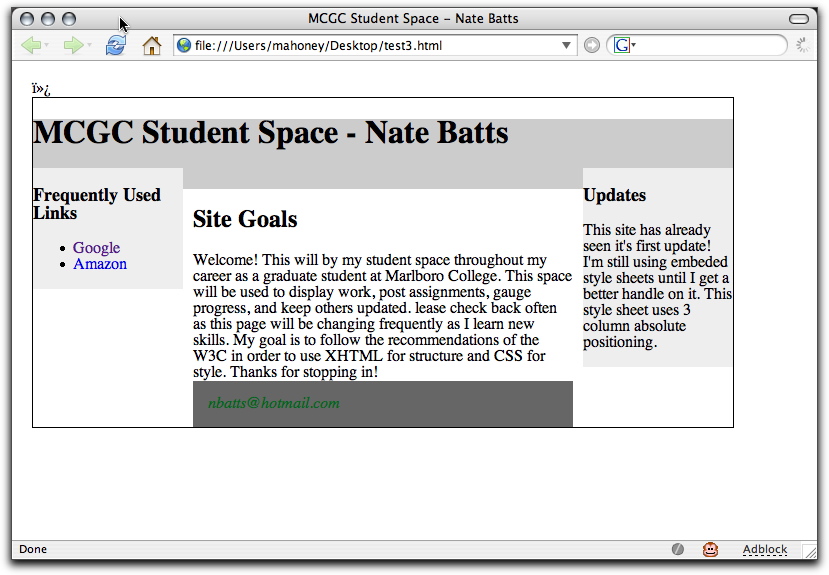
on my desktop, but like this :
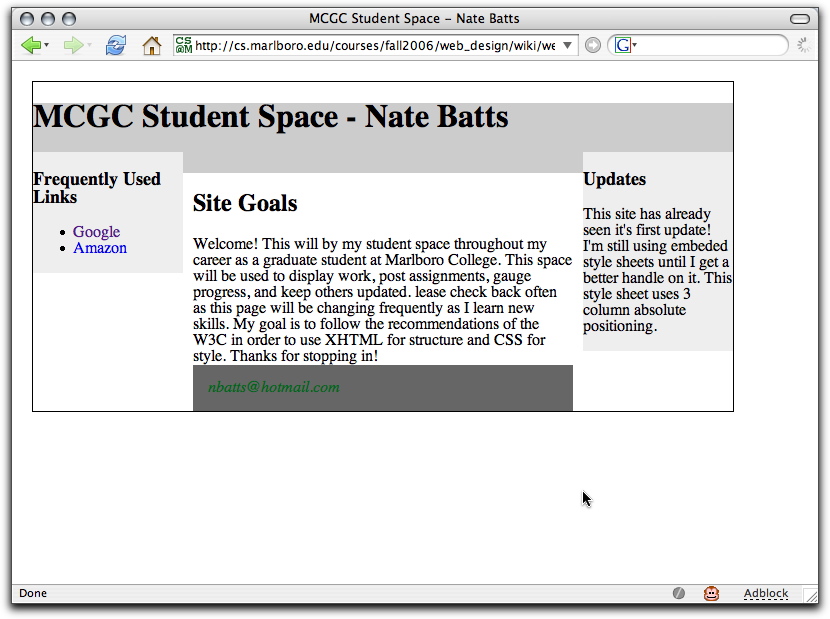
when served up from cs.marlboro.edu.
What's with those weird characters at the very beginning? And how come they only show up some of the time??
<!DOCTYPE ...
Turns out it's all about encoding, utf-8, and Micrsoft.
The start of the file is
\xef\xbb\xbf<!DOCTYPE ...
The first 3 bytes are
 in base 10 :   239          187          191
 in hex     :   ef           bb           bf
 in binary  :   1110 1111    1011 1011    1011 1111
 * The most signicant bit of a single-byte character is always 0
 * The most signicant bits of the first byte of a mult-byte
   sequence determine the length of the sequence.  These most
   significant bits are 110 for two-byte sequences,
   1110 for three-byte sequences, and so on.
 * The remaining bytes in a mult-byte sequence have 10 as their
   two most significant bits.
So these first three bytes do indeed look like a single utf-8 character.
The question is 'which one'?
Unicode Character 'ZERO WIDTH NO-BREAK SPACE'
So what is supposed to happen is that when that file is treated as utf-8,
the first character is invisible; when looked at as iso-8859-1, you
see three funky bytes.
Apparently some Microsoft applications insert this character
whether you want or not if it expects the file to be treated
as utf-8, as a way to let other applications know that.
The fact that in this case the first character should be '<',
to meet the W3C specs, not some funky zero-width space, means
that you've hit "The Microsoft Zone".

